
Continuing Your Care
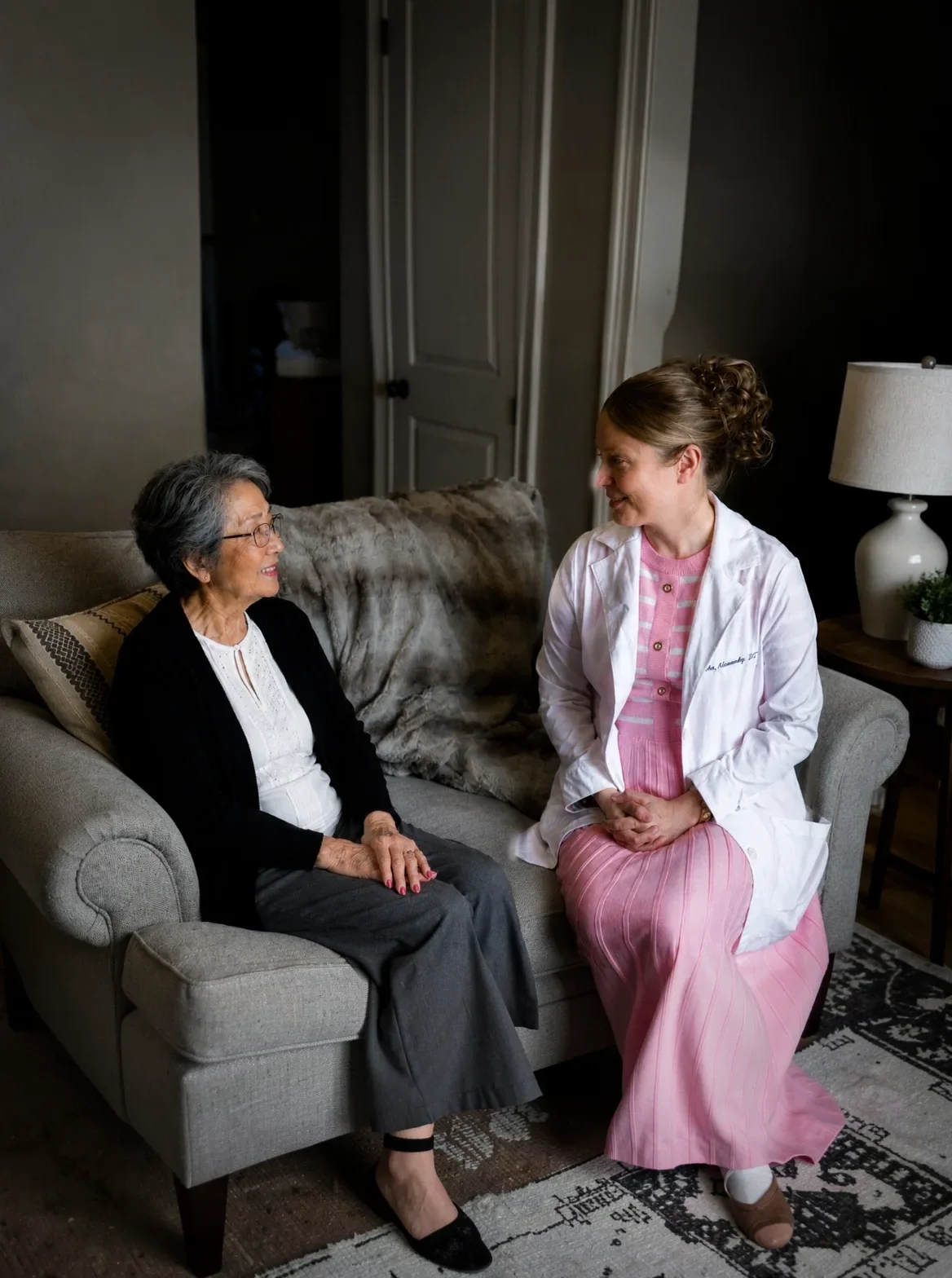
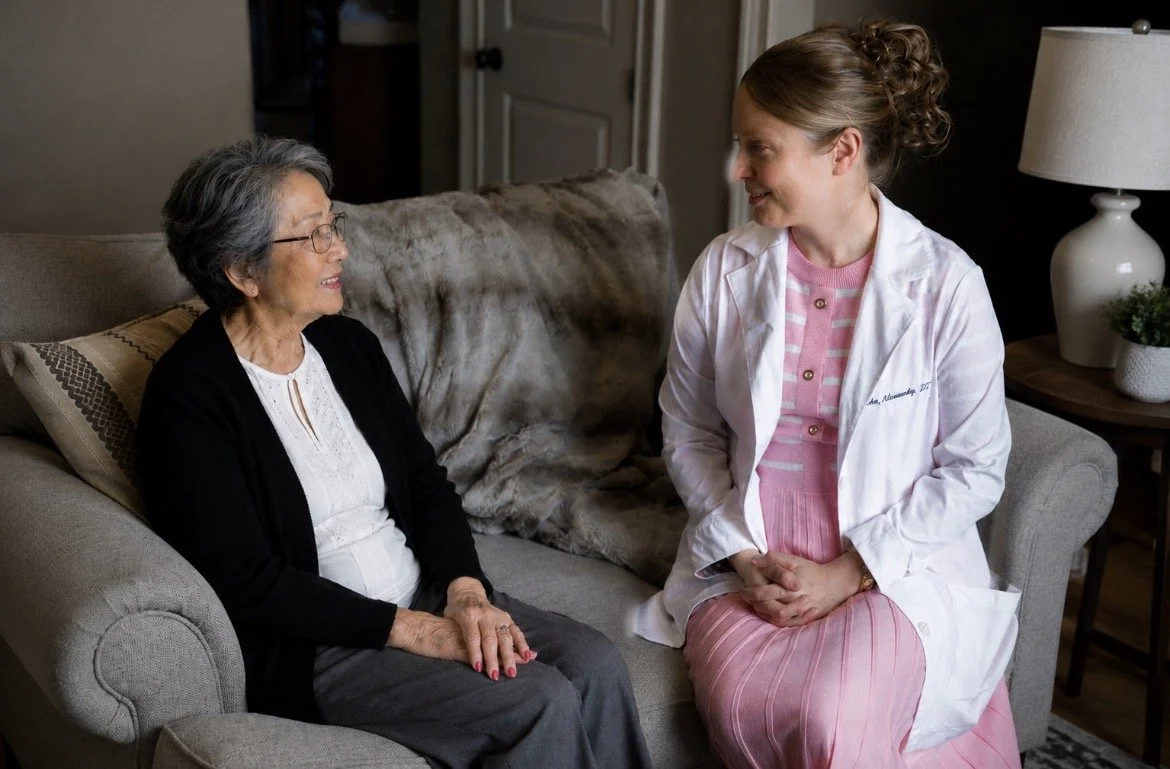
Your care remains consistent, personal, and uninterrupted with the same trusted physician providing medical care in the comfort of your home.
- Your care will continue seamlessly with Dr. English.
- Your care continues without interruption
- Visits will continue in your home
Continuing Your Care
If you are currently receiving in-home care:
What You May Need To Do
- Complete updated intake forms
- Confirm insurance and contact information
- Sign new patient documentation


Our team will assist you through every step of the transition. We understand that changes in healthcare can be stressful, and our goal is to make this process as smooth as possible for you and your family.
Patient Resources
Learn about In-Home MD's Patient Portal
The In-Home MD Patient Portal, powered by Elation Passport, provides secure online access to your health information.
Through the portal, you can:
- View visit summaries and care plans
- Review lab and test results
- Send secure messages to our team
- Access your medication and health information
- Share records with family members or other healthcare providers
Stay Connected with In-Home MD Through Spruce
To make communication easier, faster, and more secure, In-Home MD uses Spruce to communicate with patients and families.
Patients can communicate with our office by phone and text message as usual. For those who prefer an enhanced, secure messaging experience, we encourage the use of the free Spruce app.
With Spruce, you can:
- Securely message our office
- Send photos and documents
- Receive appointment reminders and important updates
- Participate in video visits when appropriate
- Communicate with our care team using a HIPAA-compliant platform
- Keep all of your communications with In-Home MD organized in one place
Getting Started
- 1Download the free Spruce app.
- 2Watch for your invitation from In-Home MD by text message or email.
- 3Follow the instructions to create your secure account.
- 4Begin communicating securely with our team.
Why Use the Spruce App?
While downloading the app is not required, patients who use the Spruce app often enjoy a more convenient experience, including easier access to past messages, secure photo sharing, and notifications when our team sends important updates.
Download the Spruce App
Need Help?
If you have questions about setting up Spruce or prefer to communicate by phone, our team is happy to assist you.

Continue Your Care Without
Interruption
If you are an existing patient, we are here to make your
transition simple and seamless.